Splitting, cropping, and joining activity files
A dropped connection, a forgotten pause, or two separate recordings of one long day out — here's how to turn them back into one clean file.
The problem
Recordings don't always match reality. A watch can lose GPS lock and auto-pause mid-ride, leaving you with two files for what was really one continuous ride. A bike computer can crash or reboot mid-ride and start a fresh recording on its own, splitting one ride into two files with no warning. Or the opposite: you forgot to stop recording after finishing, and the file trails off with twenty minutes of you driving home. Sometimes you want to remove the first kilometre of a warm-up, or cut a long recording into the two separate races it actually contains.
What The Split does
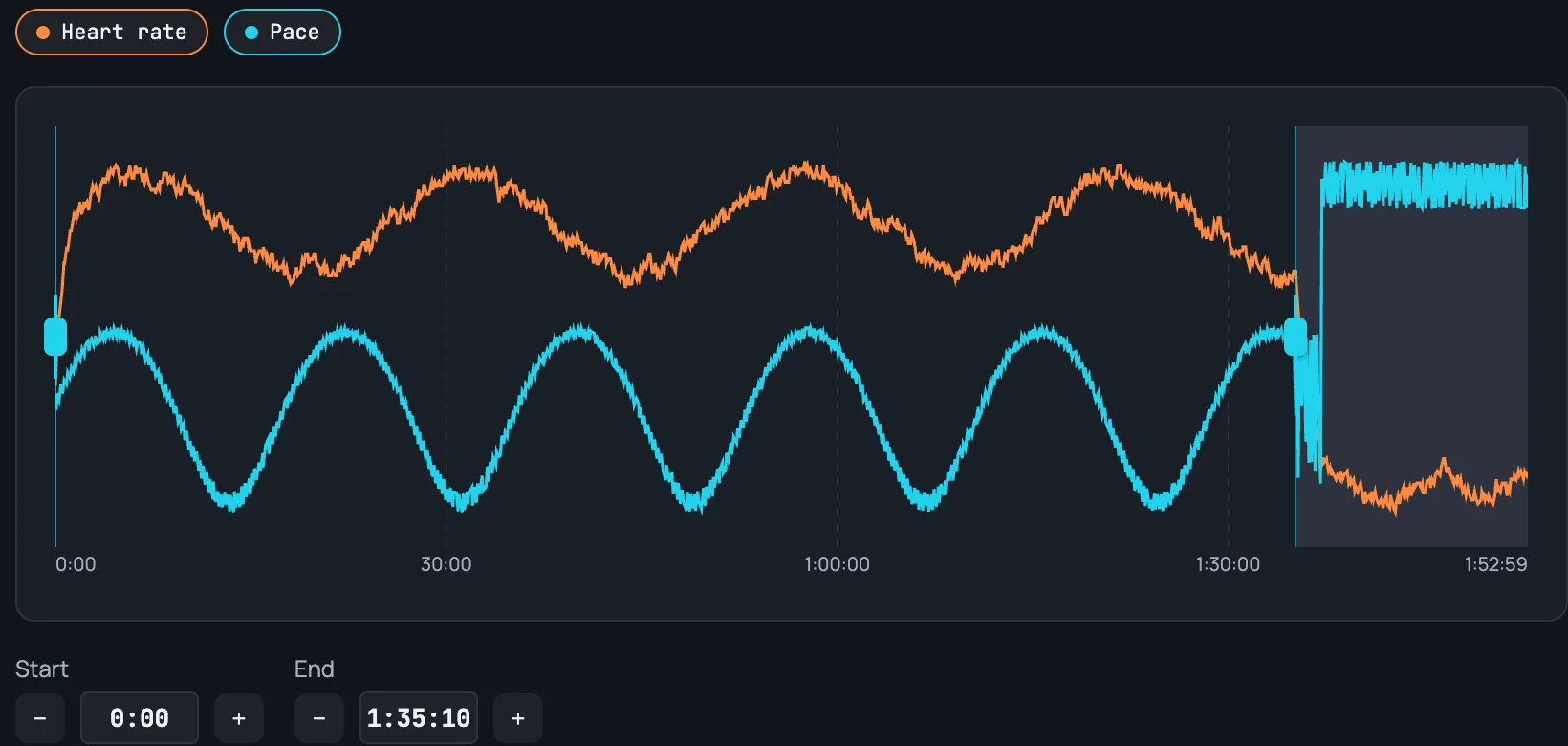
Crop / Split lets you pick a time range or distance range directly on the chart, previewed live against the route map, and either trims the file down to that range or splits it into two separate activities at a chosen point.
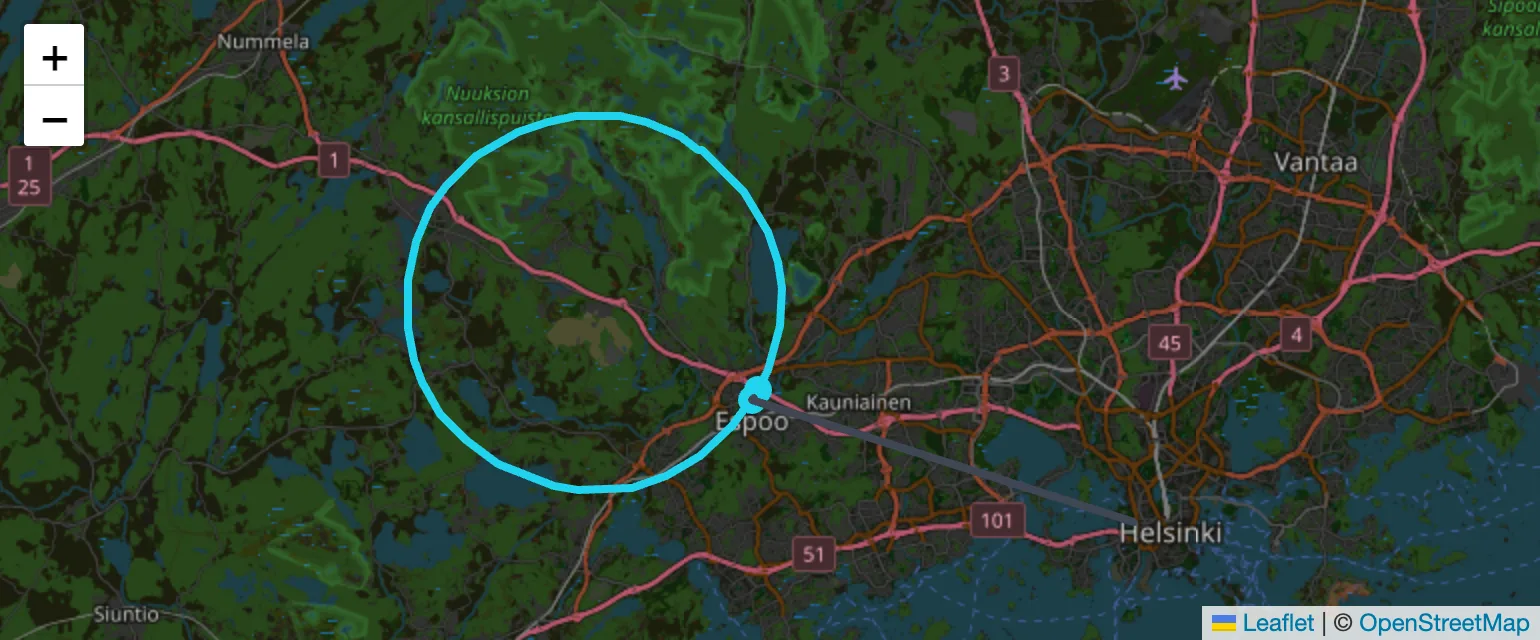
Concatenate takes two activities that were recorded back-to-back and joins them into one continuous file, rebasing the second one's timing to start right after the first — the preview chart shows both stretches on one shared timeline with a divider at the join, so you can confirm the pace and heart-rate lines actually line up before committing.
Both operations preserve every other field untouched (laps, HR, pace, GPS, and — for pool swims — the per-length pace/stroke/SWOLF data). Crop/Split exports back in the file's original format; Concatenate, since it's joining two files, lets you pick which of the two source formats the combined result comes out as.